YOTC M2-2050-G40
Hardware Specifications
| Vendor/Brand | YOTC |
| Model | M2-2050-G40 |
| Chipset | Realtek RTL9607C |
| Flash | SPI NAND 128MB |
| RAM | 256MB |
| CPU | Formosa MIPS interAptiv (multi) V2.0 |
| CPU Clock | 300MHz (597.60 BogoMIPS) |
| System | Linux 4.4.140 (GCC Realtek MSDK-4.8.5p1 Build 3068) |
| Ethernet ports | 2x1G |
| Optics | SC/APC |
| IP address | 192.168.1.1 or 192.168.8.1 |
| Web Gui | ✅ user super, password opticalink OR user User, password User |
| Telnet | ✅ user super, password opticalink OR user User, password User |
| SSH | NO |
| Serial baud | 115200 |
| Serial encoding | 8-N-1 |
| Form Factor | ONT |
External Media
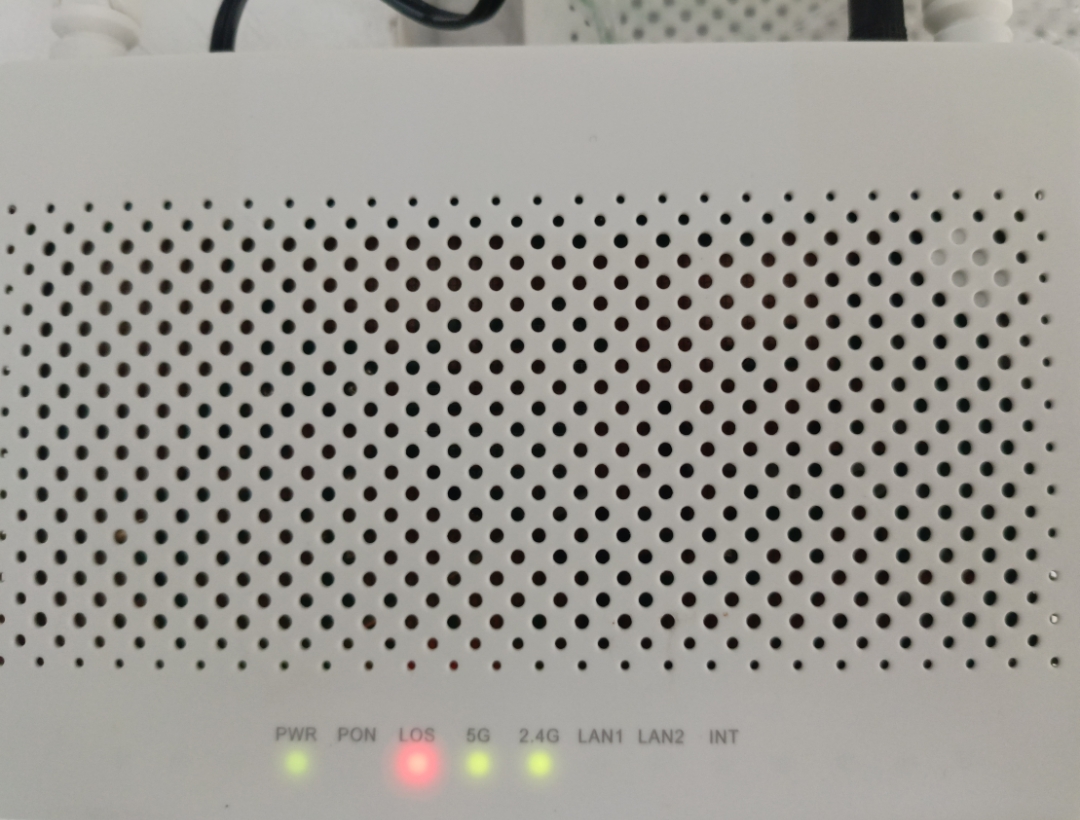
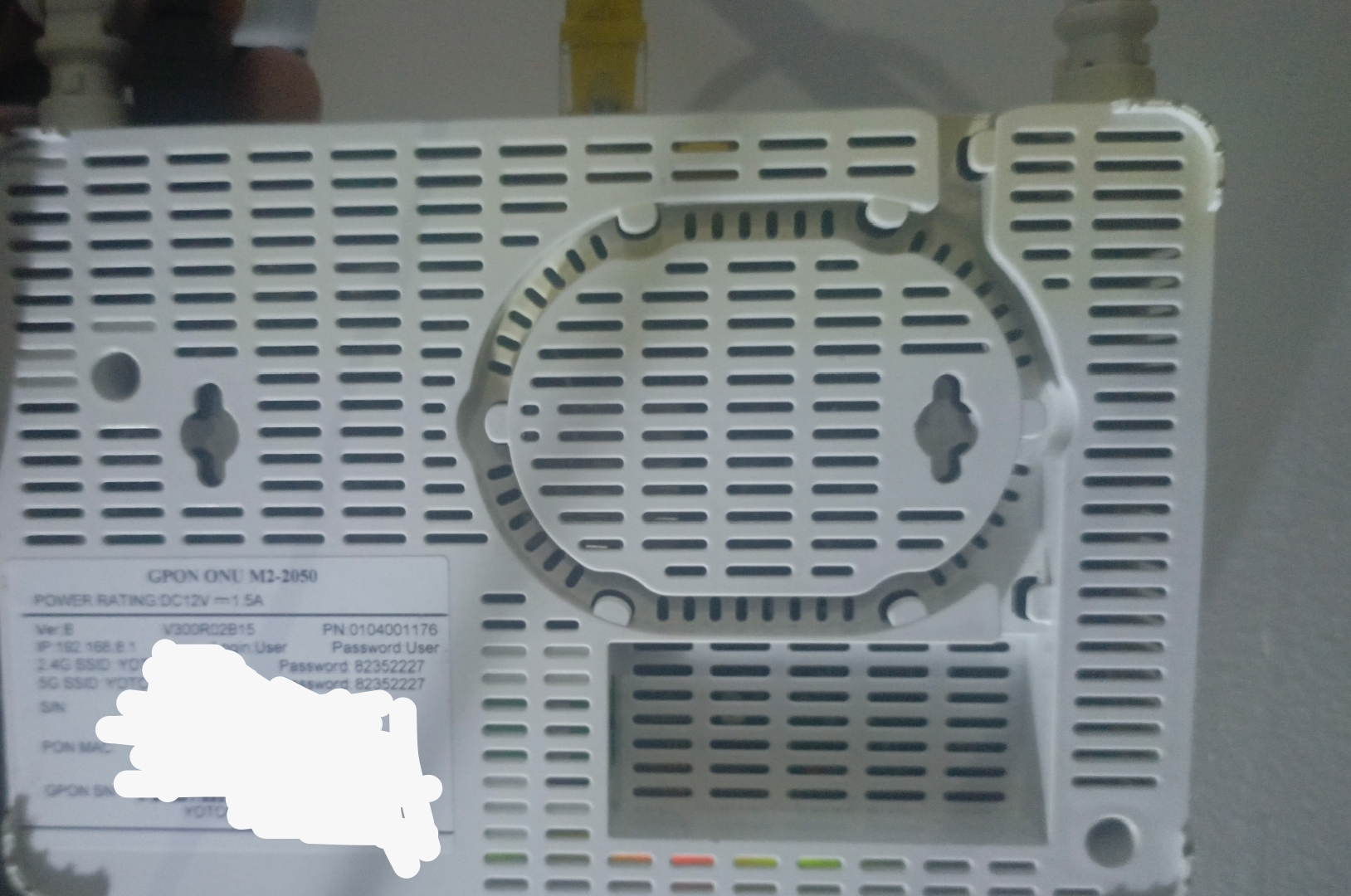
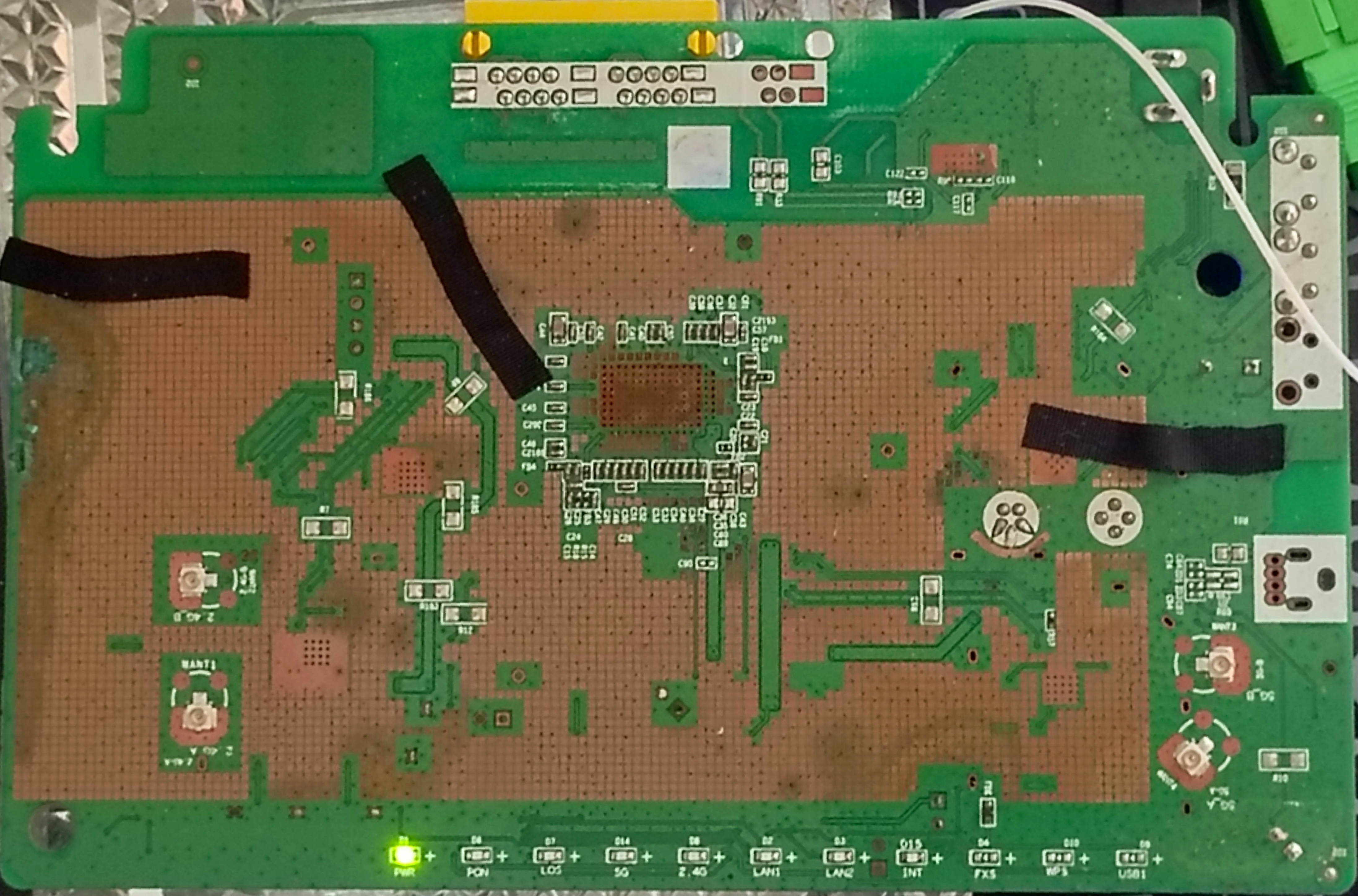
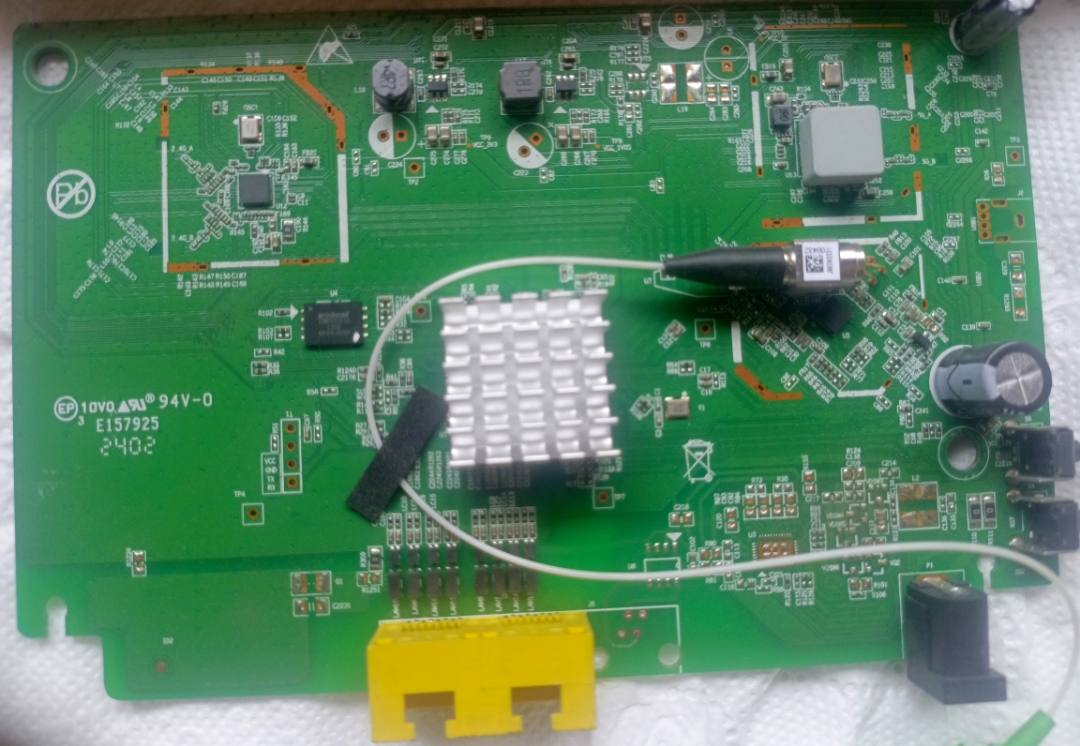
List of partitions (MTD)
| dev | size | erasesize | name |
|---|---|---|---|
| mtd0 | 000c0000 | 00020000 | “boot” |
| mtd1 | 00020000 | 00020000 | “env” |
| mtd2 | 00020000 | 00020000 | “env2” |
| mtd3 | 00020000 | 00020000 | “static_conf” |
| mtd4 | 07c60000 | 00020000 | “ubi_device” |
| mtd5 | 0081d000 | 0001f000 | “ubi_Config” |
| mtd6 | 00516000 | 0001f000 | “ubi_k0” |
| mtd7 | 0141a000 | 0001f000 | “ubi_r0” |
| mtd8 | 00516000 | 0001f000 | “ubi_k1” |
| mtd9 | 0141a000 | 0001f000 | “ubi_r1” |
List of volumes (UBI)
| dev | size | type | name |
|---|---|---|---|
| ubi0_0 | 8507392B | dynamic | “ubi_Config” |
| ubi0_1 | 5332992B | dynamic | “ubi_k0” |
| ubi0_2 | 21078016B | dynamic | “ubi_r0” |
| ubi0_3 | 5332992B | dynamic | “ubi_k1” |
| ubi0_4 | 21078016B | dynamic | “ubi_r1” |
To back up a volume, cat the appropriate /dev/ubi0_X device to a file or pipe, to restore a volume, use the ubiupdatevol utility.
This ONT supports dual boot.
Volumes ubi_k0 and ubi_r0 respectively contain kernel and rootfs of the first image, while ubi_k1 and ubi_r1 contain kernel and rootfs of the second one.
GPON/OMCI settings
Set OMCI mode to customized so versions don’t reset
mib set OMCI_OLT_MODE 3
Setting OMCI software version (ME 7)
mib set OMCI_SW_VER1 YOURSWVER
mib set OMCI_SW_VER2 YOURSWVER
Setting OMCI vendor ID (ME 256)
mib set PON_VENDOR_ID VEND
Setting ONU GPON Serial Number
mib set GPON_SN VEND1234ABCD
Setting OMCI hardware version (ME 256)
mib set HW_HWVER YOURHWVER
Setting OMCC version (ME 257), only accepts decimal values.
mib set OMCC_VER 128
Setting Product Code (ME 257), only accepts decimal values.
mib set OMCI_VENDOR_PRODUCT_CODE 0
Setting OMCI equipment ID (ME 257)
mib set GPON_ONU_MODEL YOUREQUIPMENTID
Setting VEIP slot ID (example for 255), only accepts decimal values.
mib set OMCI_VEIP_SLOT_ID 255
Commit Changes.
mib commit
Verification commands for settings changed above (all settings take a reboot to apply)
Verify SwVer (ME 7)
omcicli mib get 7
Verify Vendor ID, HwVer, and G984 Serial (ME 256)
omcicli mib get 256
Verify OMCC version, Equipment ID and Product Code (ME 257)
omcicli mib get 257
Verify VEIP customized slot ID (ME 329)
omcicli mib get 329
Advanced Settings
Setting management MAC
mib set ELAN_MAC_ADDR 1A2B3C4D5E6F
Setting management IP
mib set LAN_IP_ADDR 192.168.8.1
Rebooting the ONU
reboot
Delete the ISP Default Configuration (it is recommended to back it up first)
rm /var/config/config_custom_default.xml
Enable Ethernet Ports
mib set SW_PORT_TBL.0.Enable 1
mib set SW_PORT_TBL.1.Enable 1
mib set SW_PORT_TBL.2.Enable 1
mib set SW_PORT_TBL.3.Enable 1
Enable 5GHz WiFi
mib set WLAN_MBSSIB_TBL.0.wlanDisabled 0