
Hardware Specifications
| Vendor/Brand | Wintop Optical Technology[1] |
| Model | WT-ONU-STICK (WT XGSPON ONU Stick) |
| ODM | ✅ |
| Chipset | MaxLinear PRX126[2] |
| Flash | 128 MB SPI NAND |
| RAM | 1 GB |
| CPU | MIPS interAptiv (34Kc family) |
| CPU Clock | 400MHz |
| SFP interfaces | 10GBASE-R (SFI/XFI) |
| Optics | SC/UPC or SC/APC (Tx 1270 nm / Rx 1577 nm) |
| IP address | 192.168.1.1 |
| SSH | ✅ |
| Telnet | |
| Serial | ✅ on SFP (Rx pin 7, Tx pin 2) |
| Serial baud | 115200 |
| Serial encoding | 8-N-1 |
| Form Factor | miniONT SFP+ |
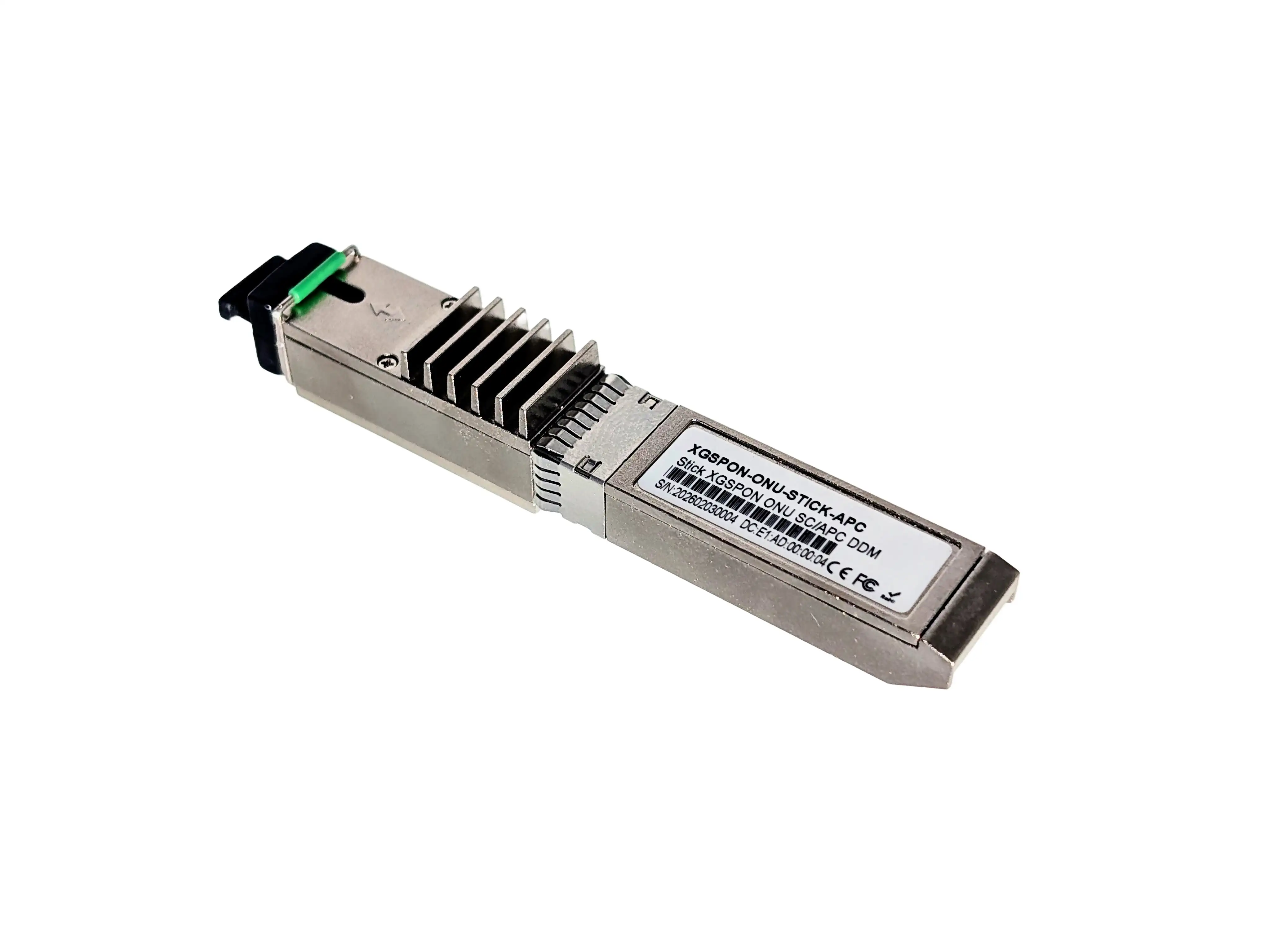
All the information on this page, unless otherwise stated, comes from pon.wiki: WT-ONU-STICK[3].
Info
The WT-ONU-STICK is a PRX126-based stick that is compatible with the 8311 community firmware. See the BFW Solutions WAS-110 page for more details on the community firmware.
Firmware
| Firmware | Badge | On this device |
|---|---|---|
| 8311 community firmware | Community contributors | Works |
Rebrands and resellers
| Company | Product Number | Firmware |
|---|---|---|
| Banana PI | BPI-XGS-PON-ONU | Unknown |
| Yunvo | YV-XGS-Stick-T | 8311 fork |
Warning
Vendor forks of the 8311 firmware are not supported by the 8311 community: ask the vendor for support or install the official 8311 community firmware.
Architecture
Block diagram of the MaxLinear PRX126 SoC (product page), a single-core MIPS interAptiv (34Kc family) running at 400 MHz, the successor of the Lantiq/Intel Falcon. Unlike the Lantiq Falcon, the laser driver / limiting amplifier (PMD) is an external chip between the BOSA and the SoC.
Diagram adapted from pon.wiki (CC BY-NC-SA 4.0).
Default credentials
Bootloader
To access the U-Boot console hold Esc on device hot-plug to abort autoboot. At the prompt ### Please input uboot password: ### enter abc123.